What it is
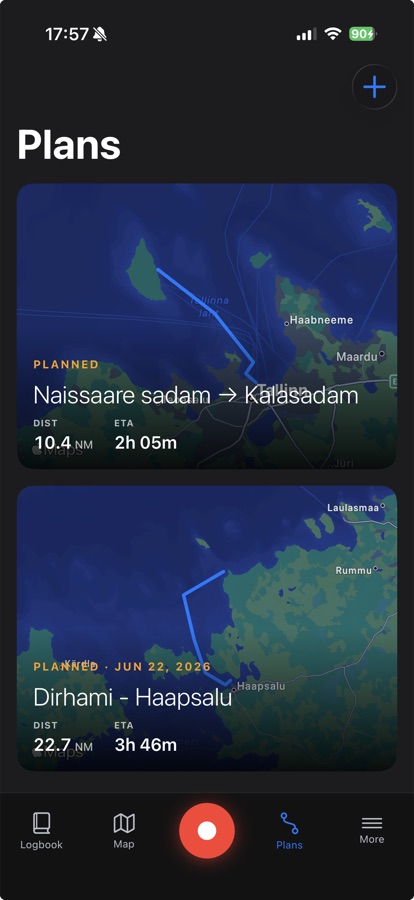
Plans let you sketch a passage before you leave the dock: tap out a route on the chart and the app works out the distance and an estimated time of arrival based on a speed you set.
Every plan shows up on the same list, labeled with its date, distance, and ETA, so you can keep a season's worth of routes without losing track of which one is next.
How to use it
From the Plans tab, tap the + button, then tap points on the chart to lay out your route, leg by leg. Add a date and invite crew if you're sailing with others.
Check the Weather tab (or the weather overlay right on the plan) to see the forecast lined up against your route before you commit. When you're ready to go, start the plan from the trip and the app switches to live course-to-steer guidance, telling you which way to turn to stay on the line you drew.